Computer experts in Sajha...can you suggest how to fix this problem?
Normal 0 false false false EN-US X-NONE X-NONE MicrosoftInternetExplorer4 /* Style Definitions */ table.MsoNormalTable {mso-style-name:"Table Normal"; mso-tstyle-rowband-size:0; mso-tstyle-colband-size:0; mso-style-noshow:yes; mso-style-priority:99; mso-style-qformat:yes; mso-style-parent:""; mso-padding-alt:0in 5.4pt 0in 5.4pt; mso-para-margin:0in; mso-para-margin-bottom:.0001pt; mso-pagination:widow-orphan; font-size:11.0pt; font-family:"Calibri","sans-serif"; mso-ascii-font-family:Calibri; mso-ascii-theme-font:minor-latin; mso-fareast-font-family:"Times New Roman"; mso-fareast-theme-font:minor-fareast; mso-hansi-font-family:Calibri; mso-hansi-theme-font:minor-latin; mso-bidi-font-family:"Times New Roman"; mso-bidi-theme-font:minor-bidi;} I have been having an unsual problem with my keyboard. I am using Windows XP. When I try to type some keys like underscore (_), some numbers like 7,9; the shortcut keys in MS word and even on internet gets acrivated. For example, “H” appreads over home, “N” appreads over Inser, “P” appreas over “Page Layout” and so. To get rid of it, I have to click on “Windows” shortkey on the key. But again same thing appreas as I type the above keys. This is so troublesome specially when I have to work with Excel and have to type lots of numbers. I tried to search a lot on internet to fix this problem but could not manage to fix it as of now. Can someone suggest what might be the problem and how to fix it? For your reference, I am also including the snapshot of the shortcuts getting activated automatically. Thanks.
You might be interested in...



-
 Threading Specialist FeaturedDartmouth, MA ·
-
 Somerville, MA ·
-
 Room available in Elmhurst USD 950.00Elmhurst, NY ·
-
 🏡 ROOM AVAILABLE FOR COUPLE – REVERE, MA USD 1,200.00Revere, MA ·
-
 i have basement for Rent USD 500.00Party hall, Baltimore, MD ·
-
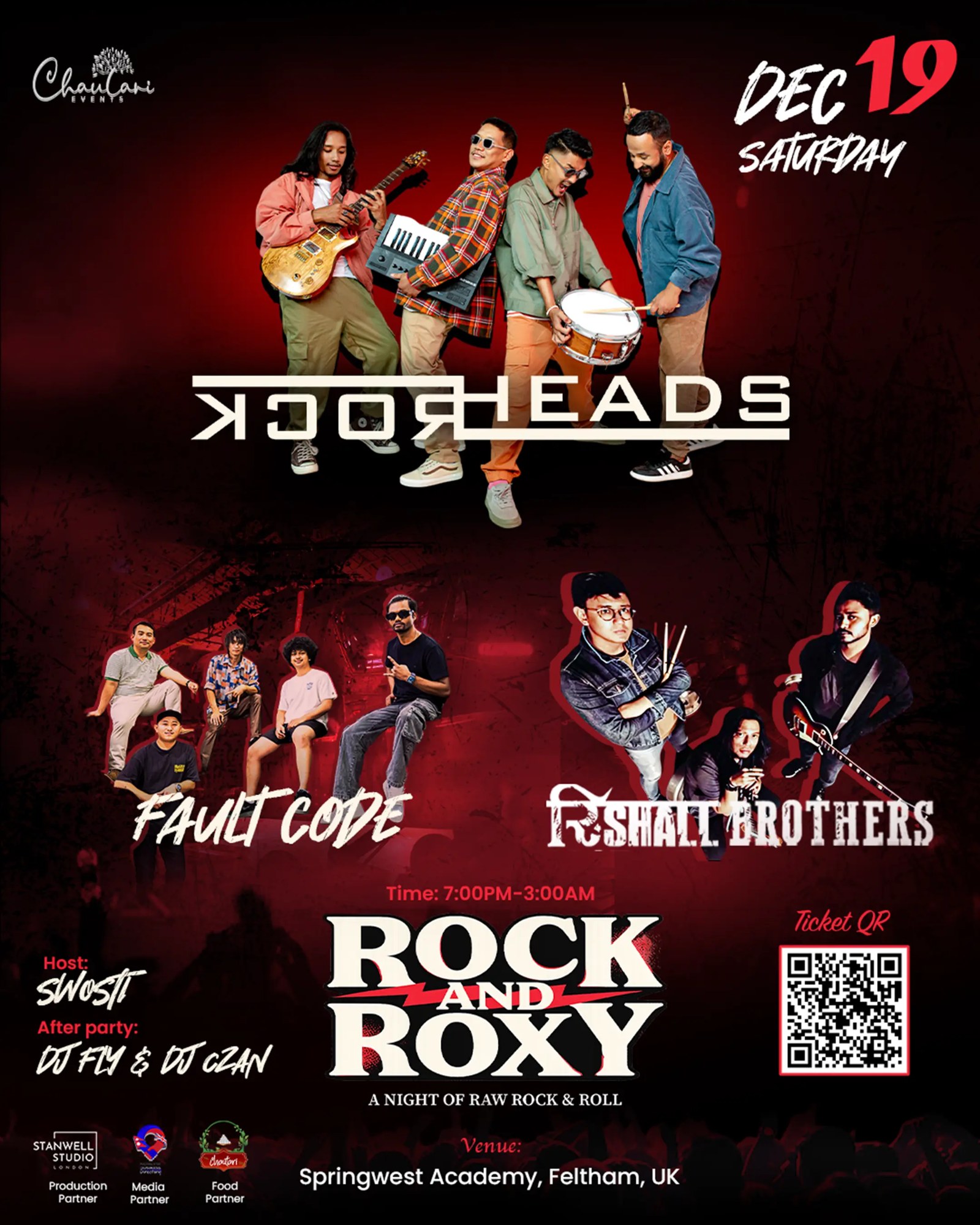 Dec 19, 2026 7:00 PM · Greater London · 960 views
-
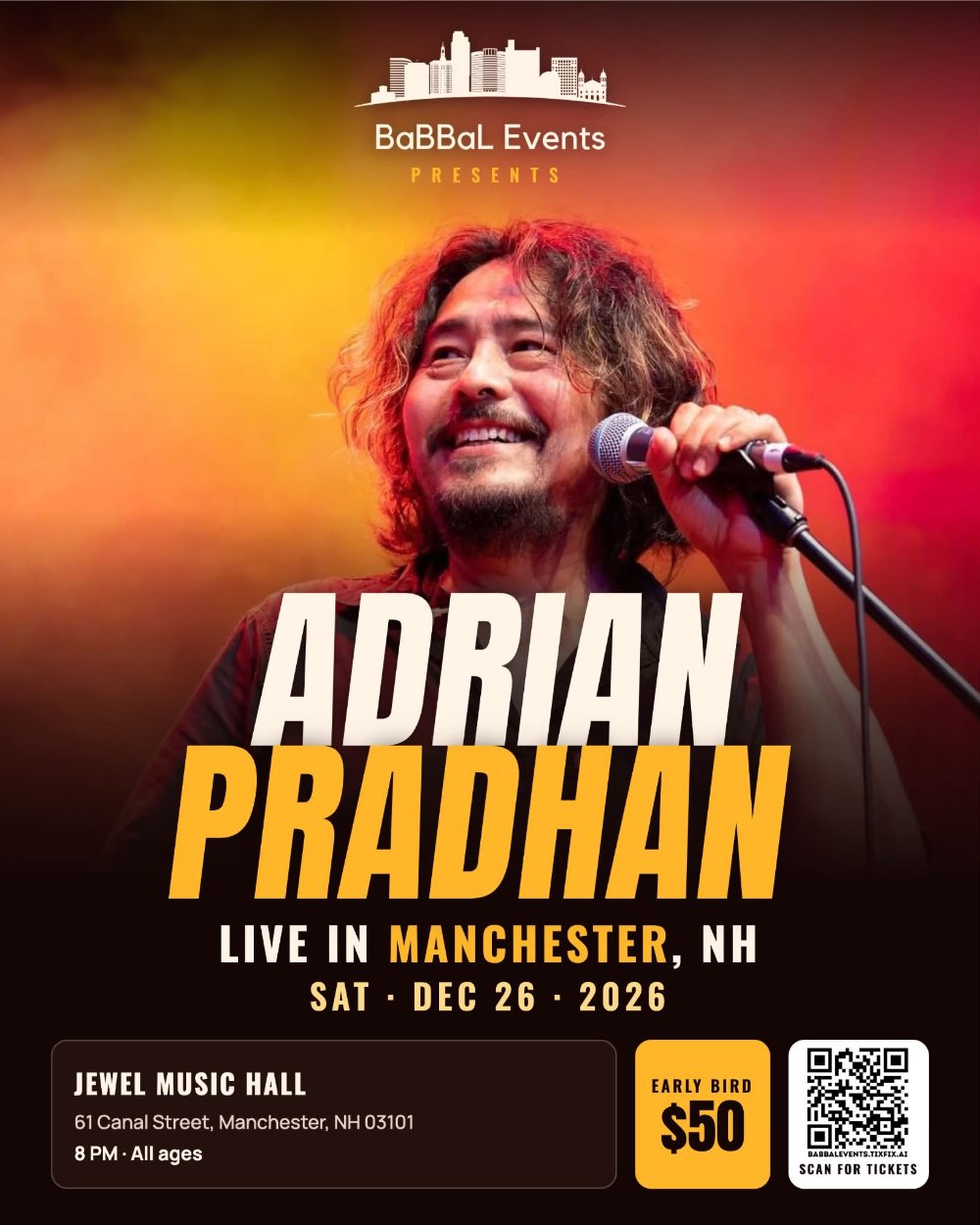 🔥🎸 Adrian Pradhan LIVE in Manchester 🤘 Live EventDec 26, 2026 8:00 PM · 620 views
-
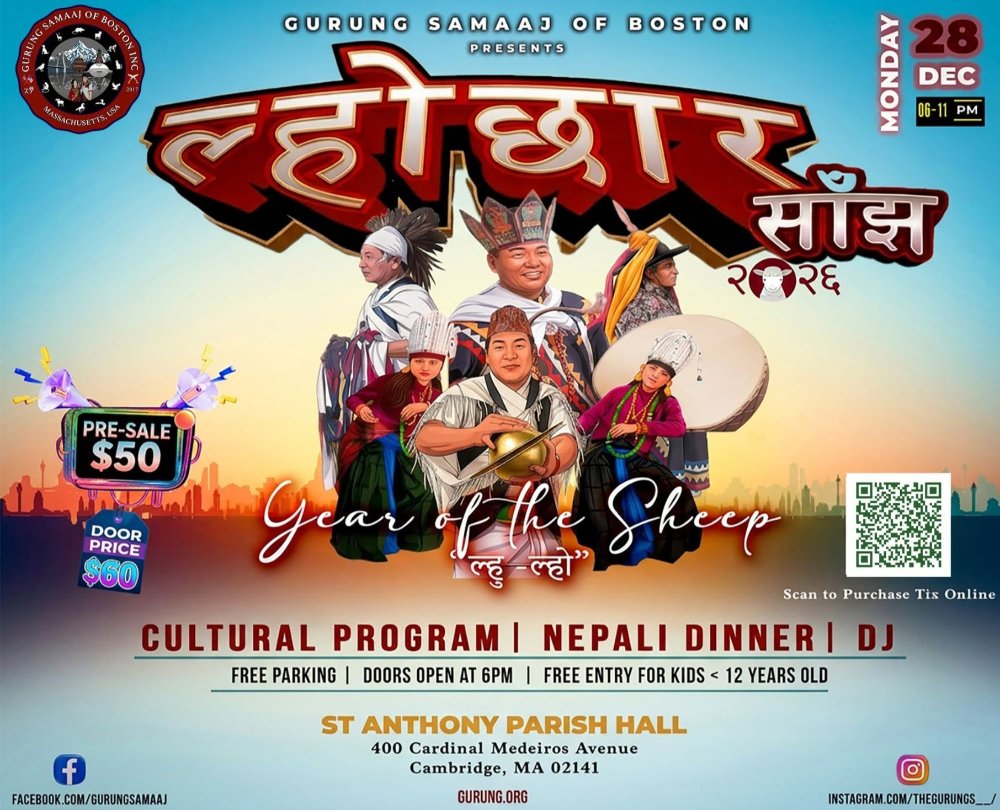 Lhocchar Saanjh by Gurung Samaaj Boston Cultural EventDec 28, 2026 6:00 PM · 516 views
-
 On Paradise Road: Gentlemen Club Las Vegas Nevada | AIRSTRIP Las Vegas Dance club and nightclubMay 24, 2027 8:00 AM · 184 views
-
✓Everest Solar Solar ServicesWoburn, MA · · 785 views
-
 ✓Vianet Communications
Other
Kathmandu · · 1,154 views
-
Nepali Authentic Momo & More (Food Truck) RestaurantHouston, TX · · 356 views
-
Nepal Heights Kolkata Bites RestaurantManvel, TX · · 351 views
-
MOMO Curry Rowlett RestaurantRowlett, TX · · 371 views