Style sheet menu
I have a CSS menu with heading and lists and i want a way to highlight e current page where the user is the code is <!DOCTYPE HTML PUBLIC "-//W3C//DTD HTML 4.01 Transitional//EN" "http://www.w3.org/TR/1999/REC-..."> <html> <head> <title> A </title> <meta http-equiv="Content-Type" content="text/html; charset=iso-8859-1"> <meta name="keywords" content="Try this "> <meta name="description" content="Using "> <link href="../../../../XXXXXXXXXXXXXXXXXXXXXXXXXXXXXXXXX/Desktop/tanfa.css" rel="stylesheet" type="text/css"> <style type="text/css" media="screen"> /* menu coding */ #menu { width: 6.6em; background: #3f6fb7; } #menu ul { list-style: none; margin: 0; padding: 0; } #menu a, #menu h2 { display: block; border-width: 1px; border-style: solid; border-color: #ccc #888 #555 #bbb; margin: 0; padding: 2px 3px; font-family: arial, helvetica, sans-serif; font-size: 11px; line-height: 16px; font-weight: bold; color: #3f6fb7; } #menu h2:current { color: #3f6fb7; background: #d1cf9f; } #menu h2:hover { color: #3f6fb7; background: #d1cf9f; } #menu h2:visited { color: #3f6fb7; background: #d1cf9f; } #menu h2:active { color: #3f6fb7; background: #d1cf9f; } #menu h2 { color: #fff; background:#3f6fb7; } #menu a { color: #000; background: #efefef; text-decoration: none; } #menu a:hover { color: #a00; background: #d1cf9f; } #menu li { position: relative; } #menu ul ul ul { position: absolute; top: 0; left: 100%; width: 100%; } div#menu ul ul ul, div#menu ul ul li:hover ul ul {display: none;} div#menu ul ul li:hover ul, div#menu ul ul ul li:hover ul {display: block;} ul.sidenav li a:hover { background: #d1cf9f no-repeat 5px 7px; border-top: 1px solid #1a4c76; } ul.sidenav li span{ display: none; } ul.sidenav li a:hover span { display: inline; font-size: 0.8em; padding: 10px 0; } #nav { float: left; margin: 0 0 1em 0; padding: 0; list-style: none; background-color:#3f6fb7 ; } #nav li { float: left; } #nav li a { display:block; padding: 10px 10px; text-decoration: none; font-family:"Arial"; color: white; border-right: 1px solid #ccc; font-size: 15px; } #nav li a:hover { color: #3f6fb7; background-color: #d1cf9f; } #nav li a:active, #nav a:focus, #nav a:hover { color:red; } #nav li a.highlite { color:black; } </style> <!--[if IE]> <style type="text/css" media="screen"> #menu ul li {float: left; width: 100%;} </style> <![endif]--> <!--[if lt IE 7]> <style type="text/css" media="screen"> body { behavior: url(csshover.htc); font-size: 100%; } #menu ul li {float: left; width: 100%;} #menu ul li a {height: 1%;} #menu a, #menu h2 { font: bold 0.7em/1.4em arial, helvetica, sans-serif; } </style> <![endif]--> <script language="JavaScript" type = "text/javascript"> <!-- <!-- Begin var current = document.getElementById('default'); function highlite(el) { if (current != null) { current.className = ""; } el.className = "highlite"; current = el; } // </script> </head> <body bgcolor="#FFFFFF" onLoad="preloadImages();"> </body> </html>
You might be interested in...





-
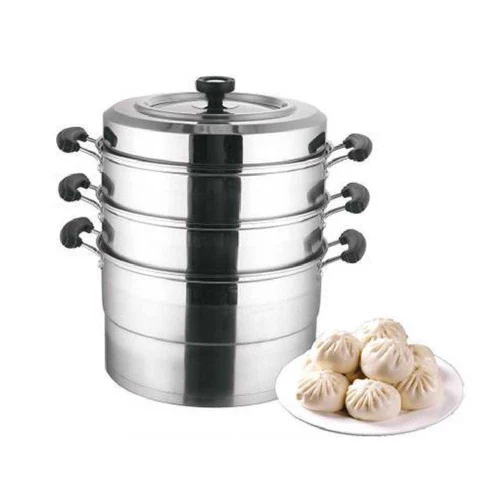
 Looking for Hair Stylist FeaturedArlington, MA ·
-
 Employees Needed FeaturedBoston, MA ·
-
 Dental Office job FeaturedEverett, MA ·
-
 Subway Restaurant - Sandwich Artist FeaturedNewton, MA ·
-
 Queens, NY ·
-
 Nov 7, 2026 10:00 AM · Sydney / NSW · 540 views · Tihar
-
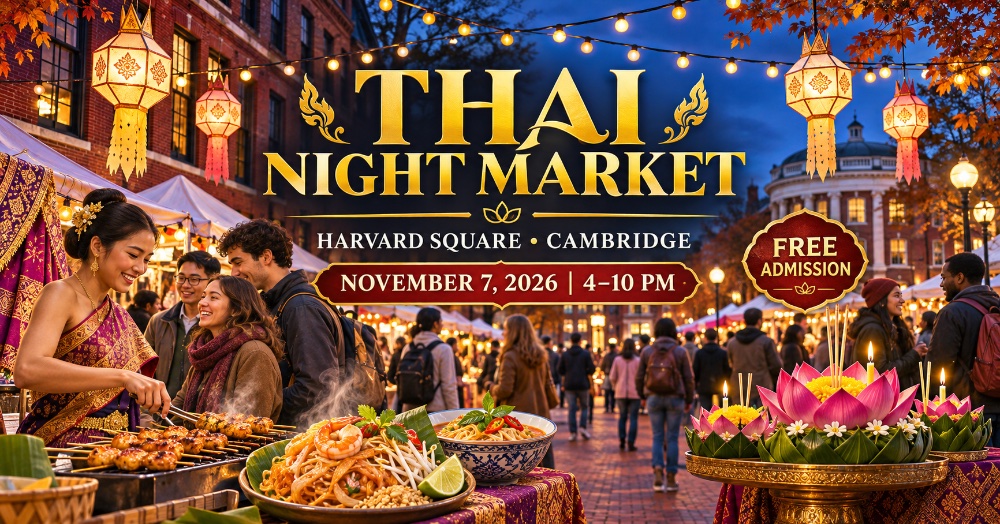 Nov 7, 2026 4:00 PM · 15 views · Tihar
-
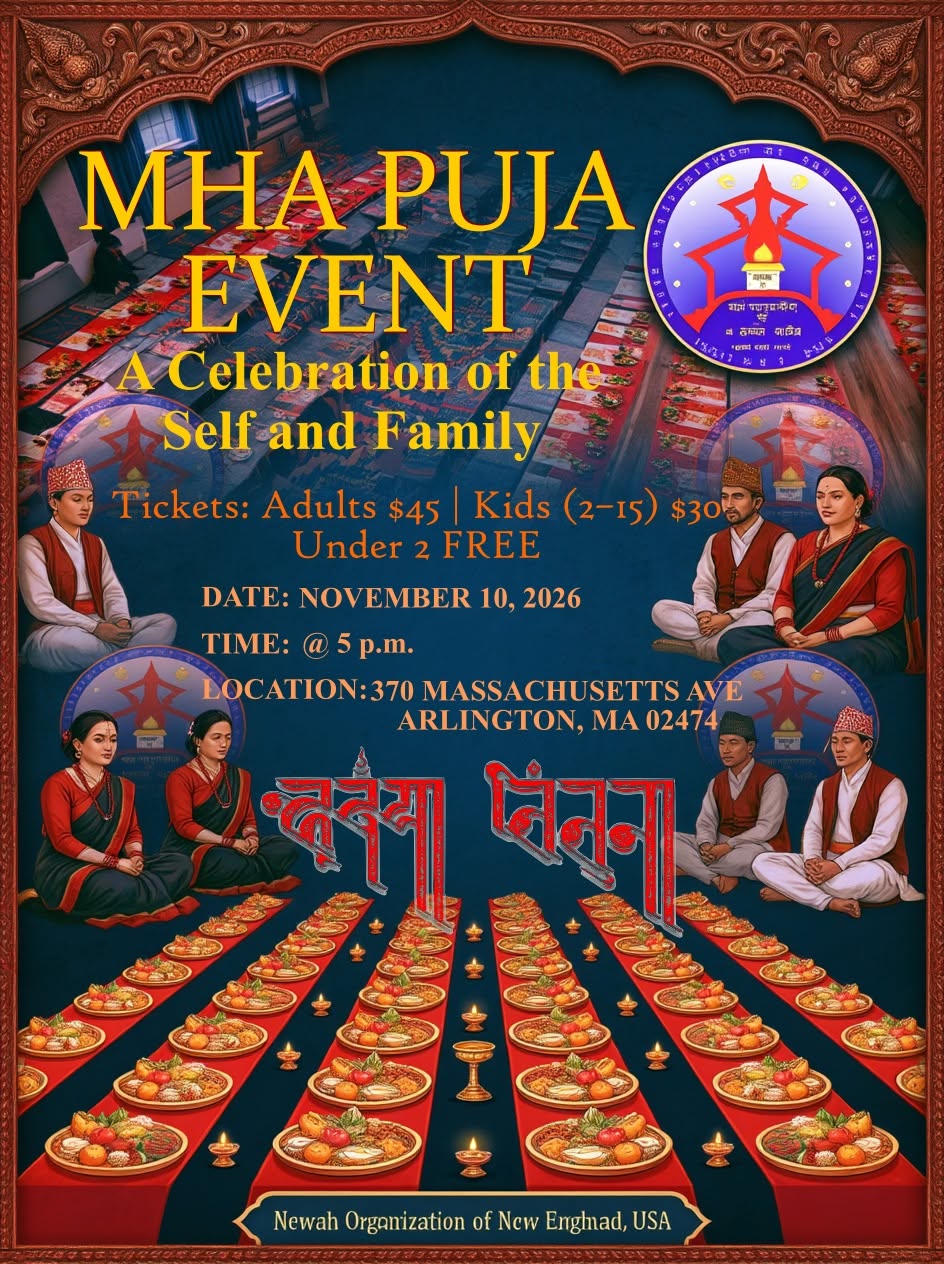 म्ह पुजा Boston SoonNov 10, 2026 5:00 PM · 504 views · Tihar
-
 🎤 NIMA RUMBA LIVE IN BOSTON! 🎶🔥 Live EventNov 15, 2026 8:00 PM · 198 views · Chhath
-
 Dec 19, 2026 7:00 PM · Greater London · 428 views
-
✓Everest Solar Solar ServicesWoburn, MA · · 401 views
-
✓Vianet Communications OtherKathmandu · · 709 views
-
Tibet Nepal House Restaurant RestaurantPasadena, CA · · 508 views
-
Tara's Himalayan Cuisine RestaurantLos Angeles, CA · · 516 views
-
Saffron Indian Cusine RestaurantFalls Church, VA · · 223 views